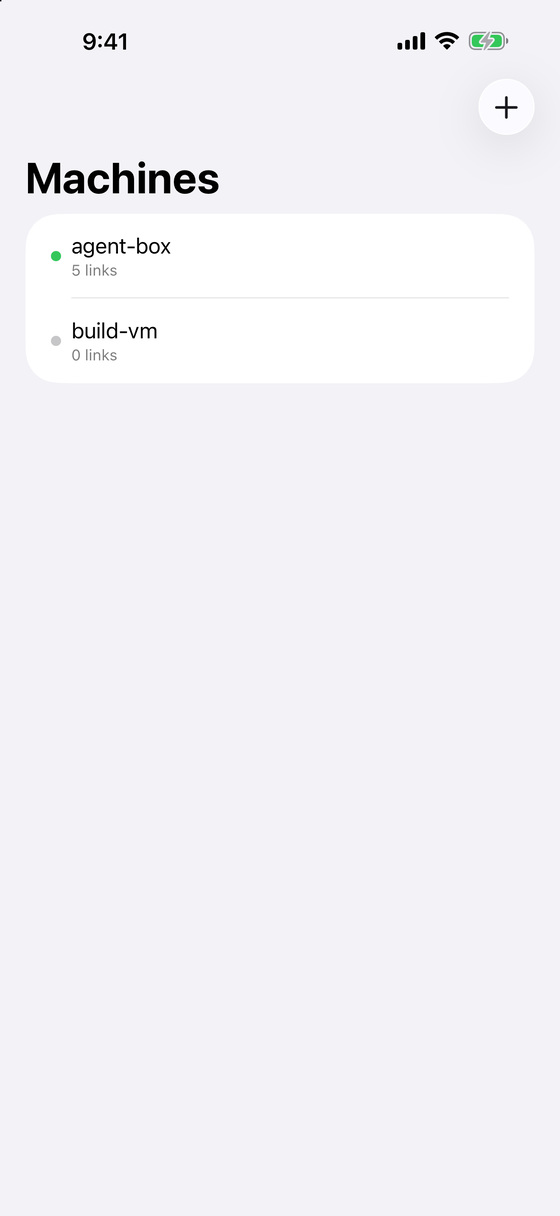
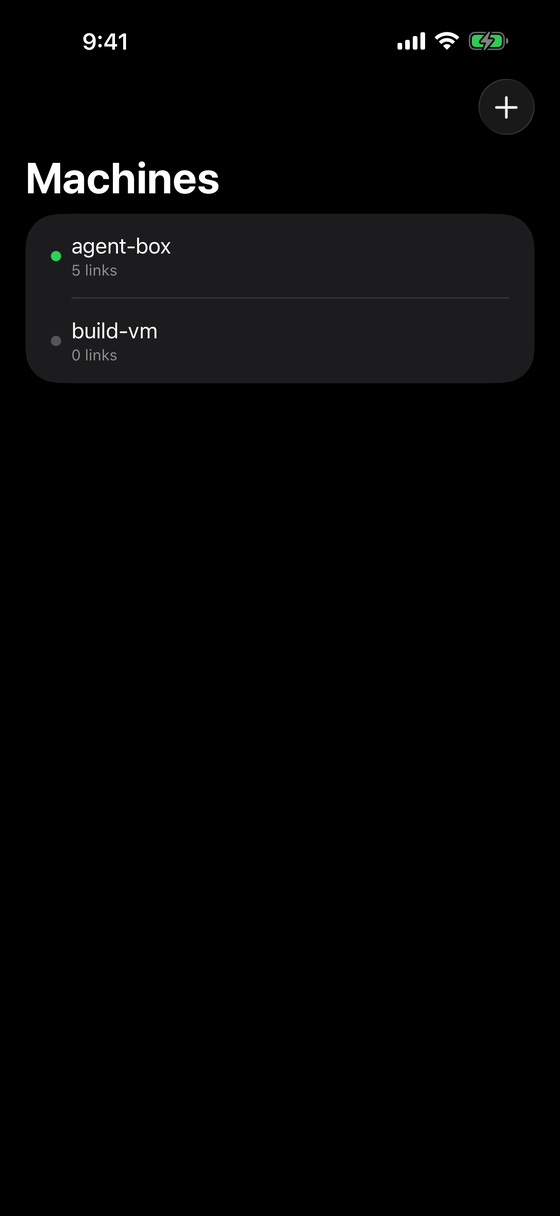
Every machine, one place
Connect all your agentic boxes. Each one's links land in its own history — stored on your device. Auto-open per machine, or just capture and notify.
For people who run coding agents
Coding agents and command-line tools open sign-ins and links on the computer they run on — often one you aren't looking at, so the login just waits. Handback hands them to the iPhone, iPad or Mac in front of you.
$7.99 / €7.99 · Mac, iPhone & iPad, one purchase
Coding agents, command-line tools and remote dev boxes constantly try to open URLs in a
browser nobody's looking at — and worse, OAuth flows redirect to localhost on that box, so the login hangs forever. Handback fixes both.
codex login on your Mac in Engine mode — or on a Linux box — wants a browser, and waits for the sign-in to call back to localhost:1455.
Or on your Mac or iPad: the Engine hands it to the app on your devices, and it's logged in that machine's history.
The sign-in page opens right there — in an in-app sheet on the iPhone, in your browser on the Mac.
The app catches the localhost redirect and tunnels it back to the box. The terminal carries on.
See it work
codex login on a box, the sign-in on the
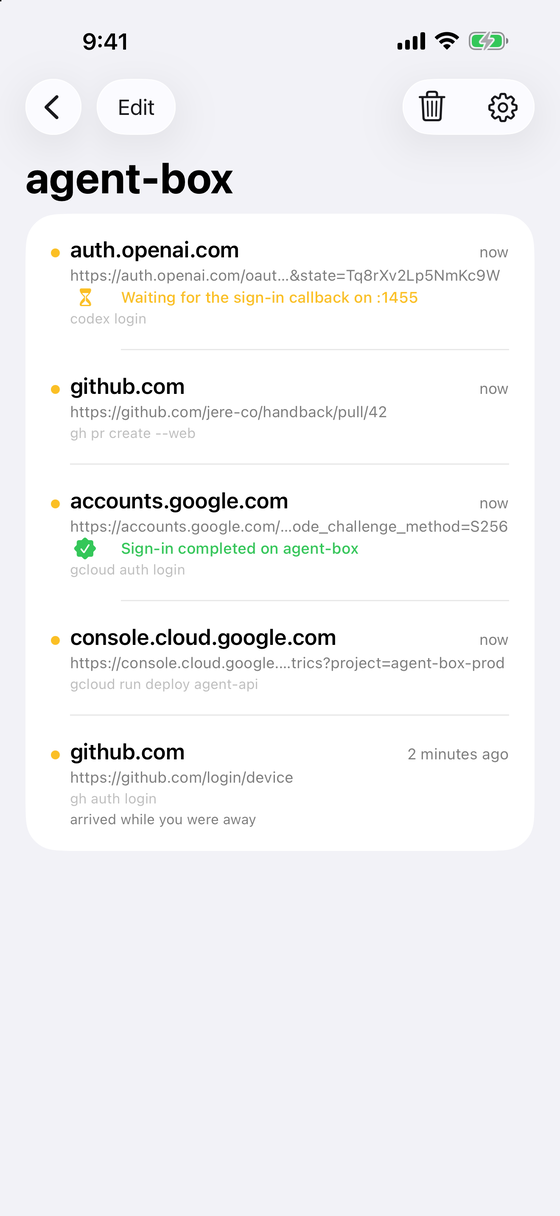
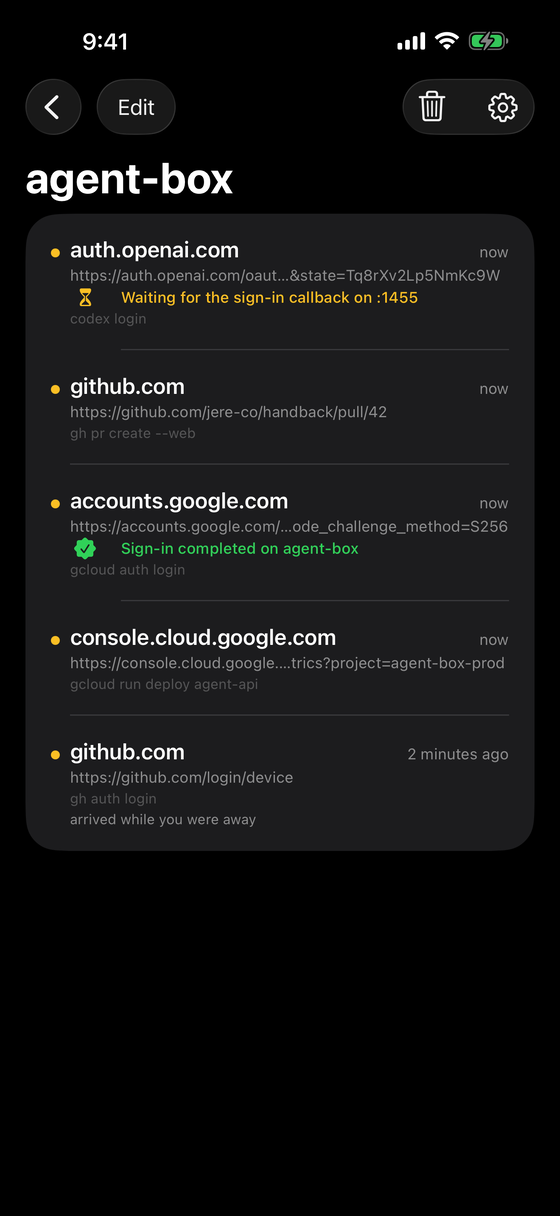
phone, the terminal carrying on — then every link in the Mac app's history.
$7.99 / €7.99 · Mac, iPhone & iPad, one purchase
Peer to peer
The Engine on the box catches the link and hands it to the app on your device. When a CLI's
sign-in redirects to localhost on the box, the
app binds that port on your device and tunnels the callback back — so headless logins
actually complete.
A private, local-first dashboard of every link your machines hand back.
Connect all your agentic boxes. Each one's links land in its own history — stored on your device. Auto-open per machine, or just capture and notify.
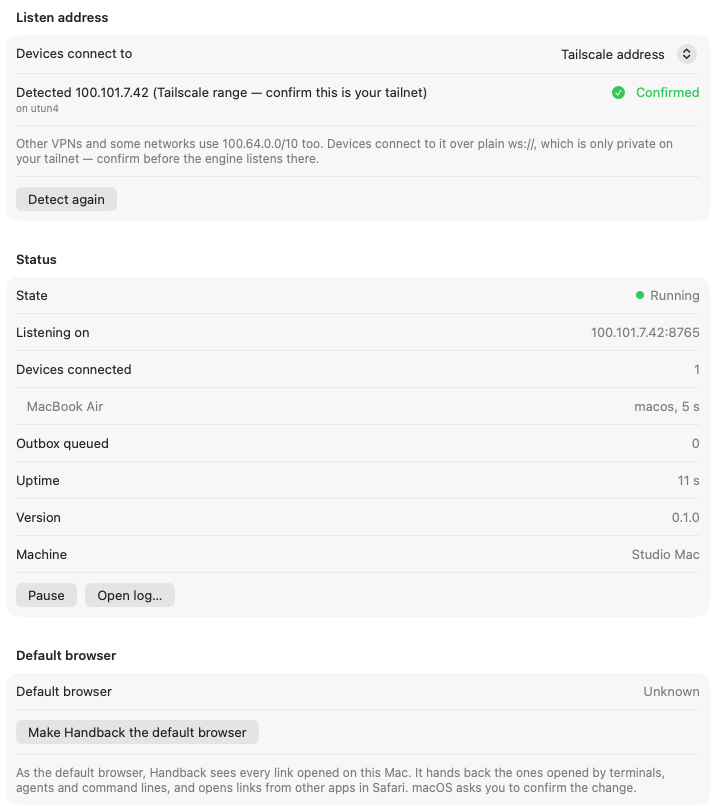
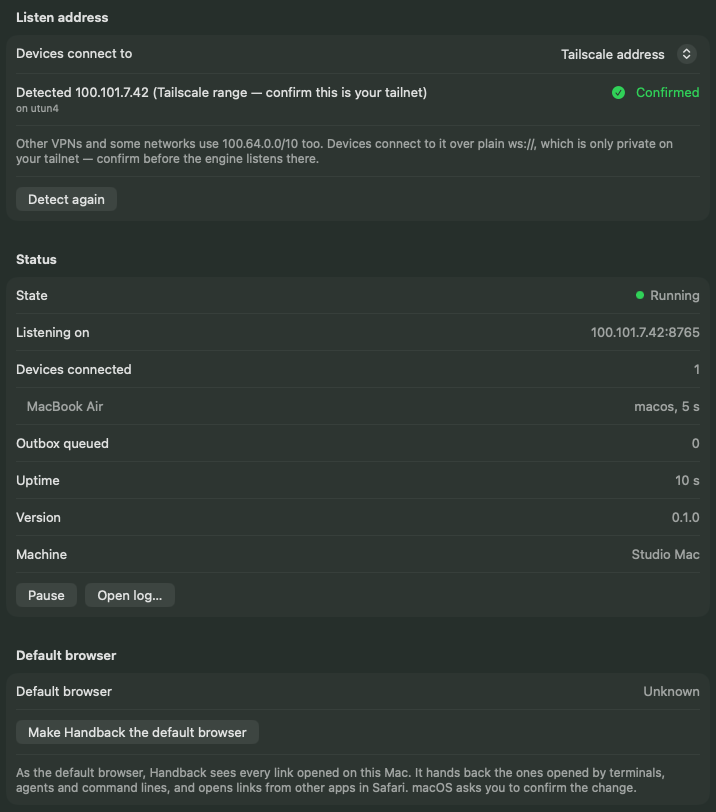
Agents on a Mac? The app runs the Engine itself and can become the default browser: links opened by terminals and agents are handed back, your own clicks open locally.
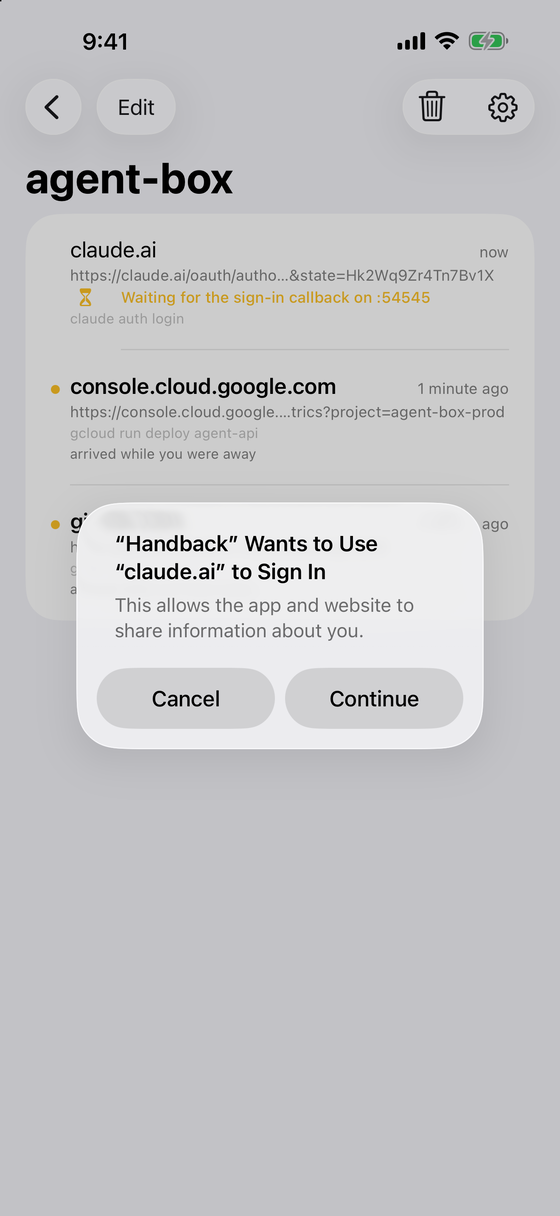
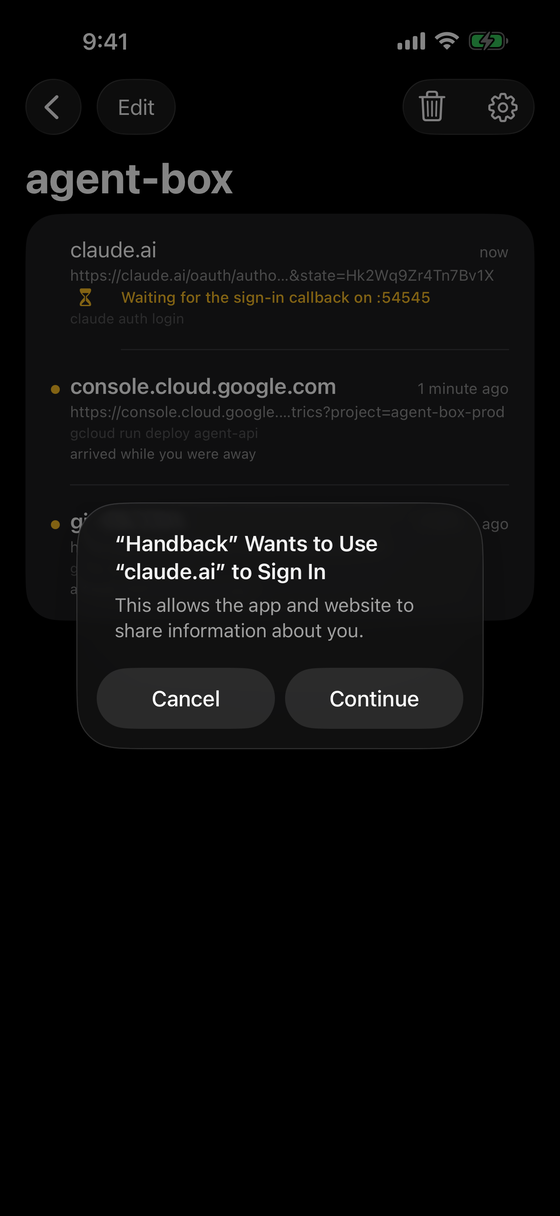
OAuth CLIs redirect to localhost on the box — unreachable from your laptop. Handback tunnels the callback back, so headless logins actually complete.
On a Mac, Handback runs the Engine itself — turn it on, pair your phone, done. For a Linux or headless box, the Engine is a free one-line install.
On the Mac your agents run on, open Handback → Settings → Engine and turn it on. For a Linux or headless box, install the free Engine instead.
Scan the pairing QR with your iPhone or iPad, or paste its link into Handback on another Mac. Once.
Links your terminals and agents open land on the device in your hand. Sign in there and the login finishes.
Full guide in the docs.
Open Handback → Settings → Engine
Turn on “Act as an engine on this Mac,” confirm your tailnet address, then Show pairing QR… and scan it with your iPhone or iPad. Nothing else to install.
# install the free Engine
curl -fsSL https://gethandback.com/install.sh | sh

# catch links + pair your devices
handback install
handback pair --host your-box:8765 --qr

# keep it running (systemd user unit / LaunchAgent)
handback service installMac, iPhone & iPad on one purchase. Glance from the menu bar, or pick up where you left off on your phone.
On the box
The Engine
Free
Built into the Mac app · Linux & macOS one-line install
On your devices
The Handback app
$7.99 / €7.99
One purchase, not a subscription.
$7.99 / €7.99 · Mac, iPhone & iPad, one purchase
No. On a Mac, Handback is the Engine: Settings → Engine runs it for you, can start it at login if you choose, listens on your tailnet address once you confirm it, and can become the default browser — links opened by terminals and agents are handed to your other devices, your own clicks open in your usual browser. Ran the command-line Engine there before? Import its pairing and your devices keep working.
Install the Engine: a free single binary for Linux (x86_64 and arm64) and macOS, installed with one command and kept running as a systemd user service or a LaunchAgent. It catches links through $BROWSER and xdg-open on Linux, and on a headless Mac through a default-browser helper — so gh, gcloud and agents that call open are all caught.
No. The app dials out to each Engine, so your laptop can roam. Put both on a Tailscale tailnet (recommended) or a LAN you trust, where plain ws:// is fine, or put a TLS reverse proxy in front of the box and pair over wss://. There's no relay either way.
CLI logins redirect the browser to localhost on the box (RFC 8252). If the browser is on your laptop, that localhost is the wrong machine — the code never arrives. Handback binds the port on your device and tunnels the callback back to the box, so the login just finishes. On an iPhone the sign-in opens in an in-app sheet; on a Mac, in your browser. How to finish one by hand.
On your devices. There's no Handback server and no account — links (which can carry auth codes) never touch infrastructure you don't own.
The Engine keeps it. Links that arrive while no device is connected stay on that machine for 24 hours and are delivered when a device connects, marked “arrived while you were away” — they're never opened automatically. The terminal on the box also prints the link, so you can open it there.
Because there's nothing for us to keep running. Your machines talk peer-to-peer; no relay, no sync service, no monthly bill to pass on. One purchase covers Mac, iPhone and iPad, and the Engine is free.
Handback for Mac, iPhone & iPad. Turn on Engine mode, pair your phone, and the next sign-in your agent opens is in your hand.
$7.99 / €7.99 · Mac, iPhone & iPad, one purchase